Lenovo ThinkPad T14 Gen 4 AMD: NVMe Heat Issue and a Simple Heatsink Fix
My Lenovo ThinkPad T14 Gen 4 AMD hit 86° C NVMe temperatures during Borg backup. A low-profile heatsink reduced peak temperature to 76 C.
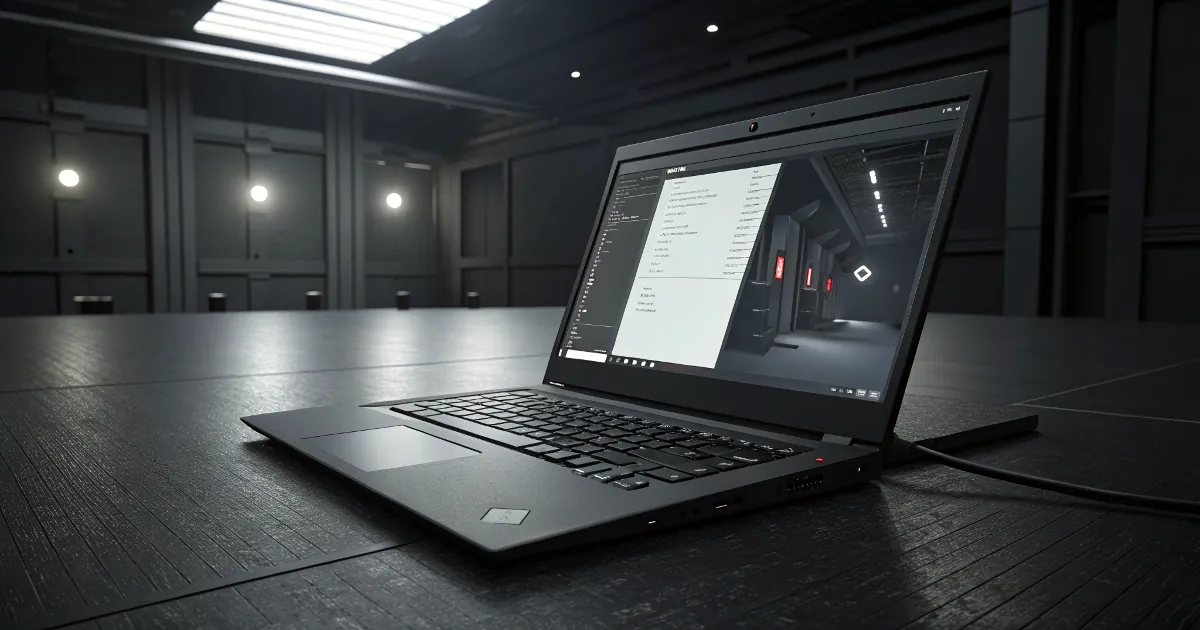
I still like the Lenovo ThinkPad T14 Gen 4 AMD a lot. It is fast, quiet in day to day use, and the overall build quality is solid. The keyboard has excellent key travel with good feedback, the touchpad is precise, and in normal workloads the fan barely spins. CPU temperatures hover around 30-45 C during web browsing or coding, and the fan only becomes noticeable under real load.
The only thing that surprised me in my setup was NVMe temperature under sustained write load.
What Triggered the Heat Problem
I noticed this during Borg backups, where the NVMe is under heavy, continuous write pressure for a longer time. In that scenario, the SSD temperature climbed much higher than I expected.
On my unit, the NVMe reached up to 86° C without any additional cooling.
The root cause was simple: there is no dedicated NVMe heatsink from the factory in this configuration.
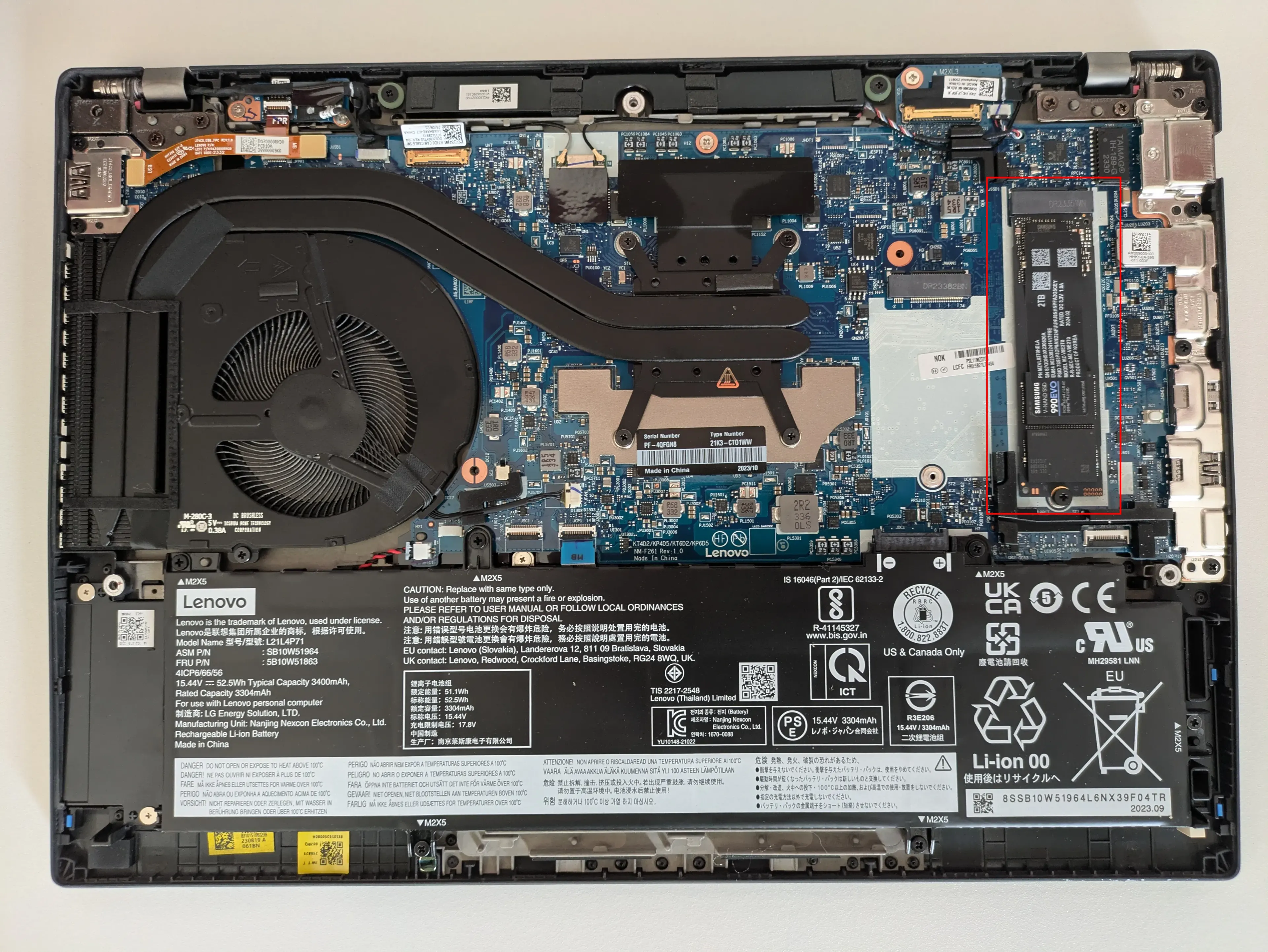
Why This Happens on the T14 Gen 4 AMD
Inside the T14 Gen 4 AMD, space is tight. Lenovo did a good job with CPU cooling and acoustics, but the SSD area itself has no meaningful thermal mass in my configuration. For bursty desktop use this is usually fine. During long backup jobs, it is not.
This is especially visible with tools like Borg that can keep storage busy for a long time.
The Fix: Low-Profile NVMe Heatsink
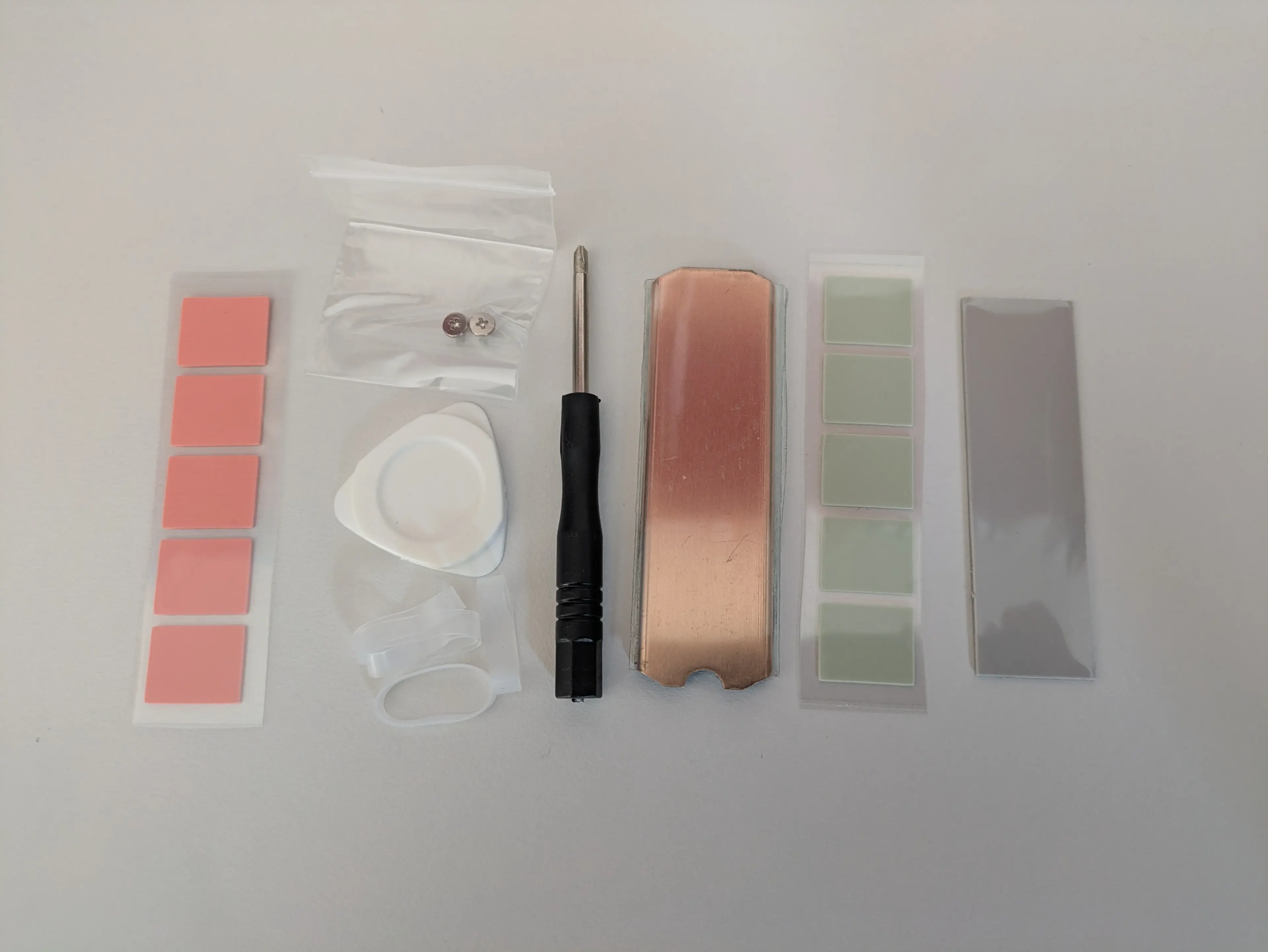
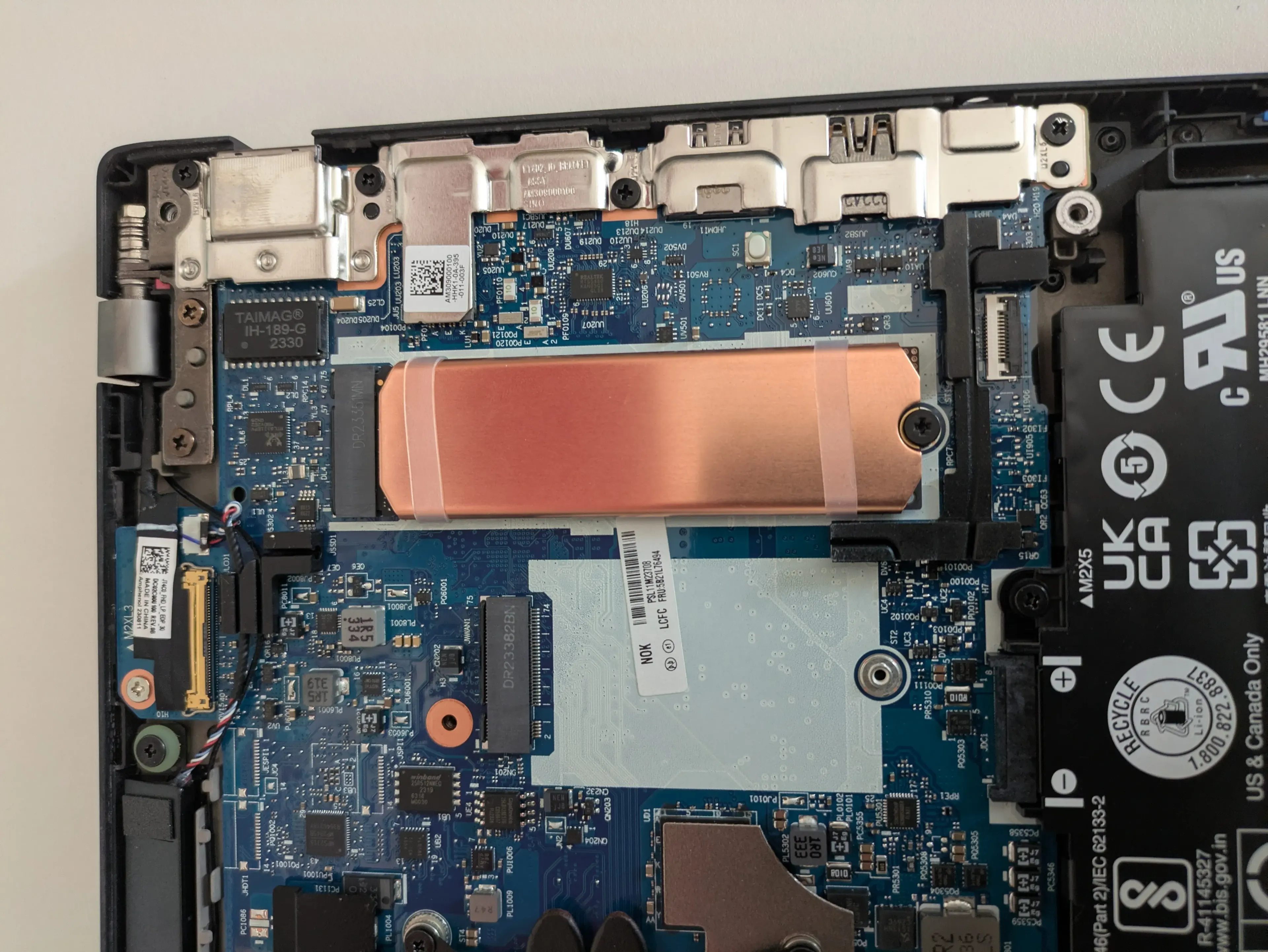
I ordered a low-profile M.2 heatsink and installed it on the NVMe.
- Low-profile NVMe heatsink (1)
Test Result Before vs After
After installing the heatsink, I repeated the same workload.
- Without heatsink: up to 86° C
- With heatsink: max 76° C
For my usage pattern, a 10° C drop is enough to avoid uncomfortable peaks during long backups.
If You Open the Laptop: Clean and Seal It Properly
Whenever I open a laptop, I use the chance to remove dust from fans and vents before closing it again. That keeps airflow more predictable over time.
If you want to do the same, a compact electric air duster is much better than random canned air.
- Jet compressed air duster (1)
Final Thoughts
In my case, the T14 Gen 4 AMD is still an excellent Linux laptop, but sustained NVMe load showed a weak point in thermal handling for storage. A small low-profile heatsink was a cheap fix and gave me a clear reduction from 86° C to 76° C while doing backups.
If you run regular backups or any other write-heavy workload, this is a practical upgrade with almost no downside.